Displaying a list of status codes that indicate an account is forwarded
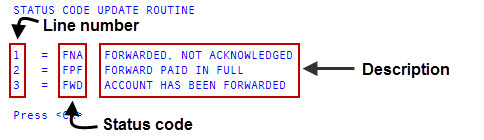
When you request to view a list of status codes, the listing includes the status code along with its line number and description. You need to reference the line number when inserting, changing, or deleting status codes.
To display a list of status codes designated as forward status codes:
-
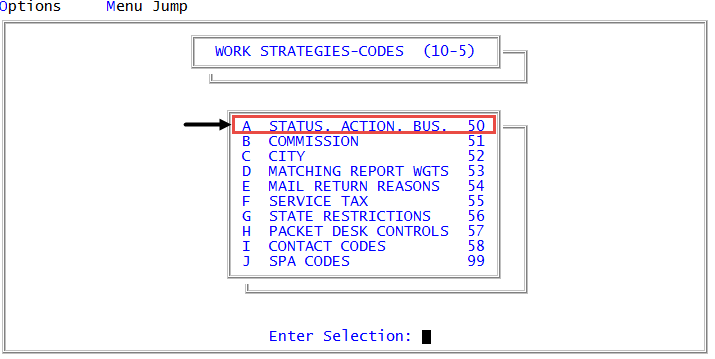
From the Master menu, navigate to
 Management Strategy > Codes > Status, Action, Bus (menu 10.5.50).
 - In the Status/Action Code Descriptions window, select Update Codes, and press Enter or click Ok.
- In the Codes File Update/List window, select Status Codes to Designate as 'Forward', and press Enter or click Ok.
- In the Status Code Update window, select Display, and press Enter or click Ok.
The following is an example of a list of forward status codes:
For more information on printing a list of status codes designated as forward codes, see Printing a list of the current action codes.