Assigning accounts to the last batch number for precollect accounts
Use the Last Batch Number option to assign the next group of accounts to the last batch number used.
To assign accounts to the last batch for precollect accounts:
-
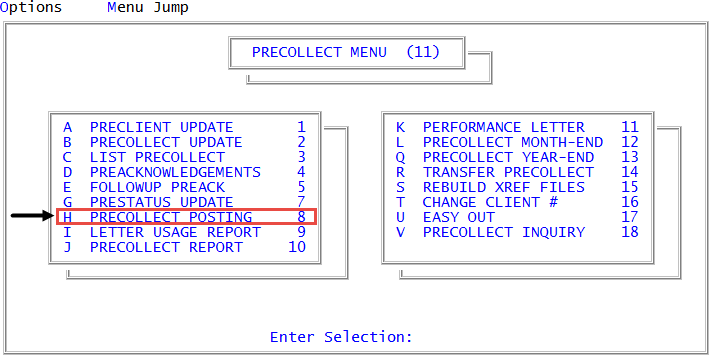
From the Master menu, navigate to
 Precollect > Precollect Posting (menu 11.8).
You can also access the precollect posting screen from Precollect > Precollect Update (menu 11.2).
- In the Batch Number to Update window, select Last Batch Number, and press Enter or click Ok.
- At the Your Last Batch number was Updated on MM-DD-YY prompt, click Ok.