Closing batches for precollect accounts
Closing a batch prevents the entry of more accounts into the batch. It does not remove the batch from the system.
To close a batch for precollect accounts:
-
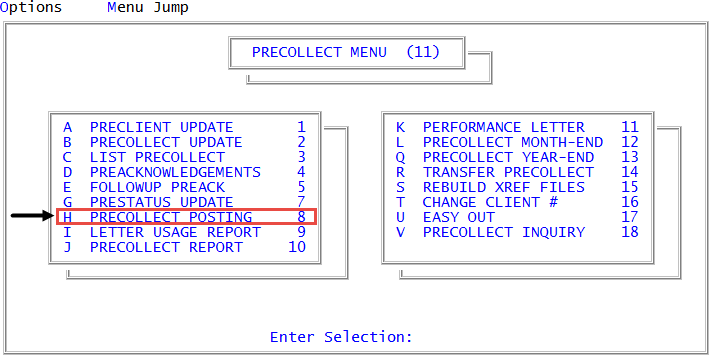
From the Master menu, navigate to
 Precollect > Precollect Posting (menu 11.8).
You can also access the precollect posting screen from Precollect > Precollect Update (menu 11.2).
- In the Batch Number to Update window, select Close Batch, and press Enter or click Ok.
- In the Enter Batch to Close prompt, type the batch number, and press Enter or click Ok.
- At the Batch number was Last Updated MM-DD-YY prompt, do one of the following:
- To close the batch, click Ok.
- To exit without closing, click Cancel.