Marking a precollect letter as mail return
When precollect letters are returned with undeliverable addresses, place a mail return designation on the account.
To mark a precollect letter as mail return:
-
From the Master menu, navigate to
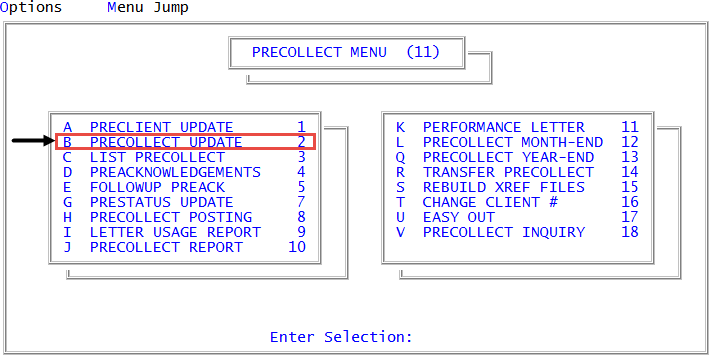
 Precollect > Precollect Update (menu 11.2).
 -
If your agency auto prompts for batch, the Batch Number to Update window displays; select Go to Account Prompt, and press Enter or click Ok.
For more information and instruction on each option, see Managing batch options for precollect accounts.
- At the Enter Precollect # prompt, type MR, and press Enter.
- At the Precollect # prompt of the Precollect Update Mail Return Function screen, type the account number, and press Enter.
-
At the OK to Denote as Mail Return? (CR=Y, N, /) prompt, to confirm, type Y, and press Enter.
The system displays the address with the MR- notation and prompts for another precollect number.
- At the Precollect # prompt, do one of the following, and press Enter.
- To mark another account as a mail return, type the account number.
- To return to the Precollect Update screen, type a forward slash (/).