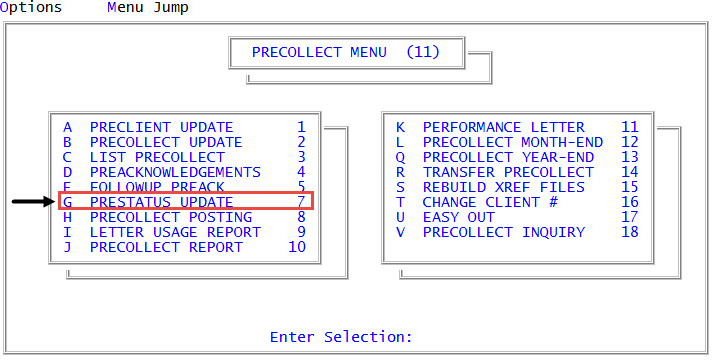
Menu 11.7 - Prestatus Update
The Prestatus-Update option allows you to quickly change or delete a precollect account's status code without having to go to the Precollect Update screen.
You can change the status of a precollect account using this option by simply entering the precollect account number and entering a new status.
To change the status code of a precollect account:
-
From the Master menu, navigate to
 Precollect > Prestatus Update (menu 11.7).
 - In the Enter Precollect Number window, type the precollect account number, and press Enter or click Ok.
-
At the Enter Status for account name window, do one of the following:
- To continue using the current status code for the account that displays in the window, press Enter.
- If you know the status code to change to, type it, and press Enter or click Ok.
- To choose from a list of status codes, type ?.
- In the Status Codes window, select the status code to use, and press Enter or click Ok.
The system displays a message that the status code is changed.
- In the Enter Precollect Number window, do one of the following:
- To change the status code for another precollect account, type the account number, and press Enter or click Ok.
- To exit, click Cancel.