Menu 11.16 - Change Client#
Use this option to change the client number on a precollect account record without deleting and re-entering the account. You cannot change the client number if the account has been canceled or if cash has been received.
When you change the client number, The Collector System deletes the commission rates and replaces them with the commission rates of the new client number. If a special commission rate was entered, it is replaced with the client's new rate. After the client number is changed, the system creates a note listing the old client number.
Check the commission information after changing client numbers.
To change the client number for precollect accounts:
-
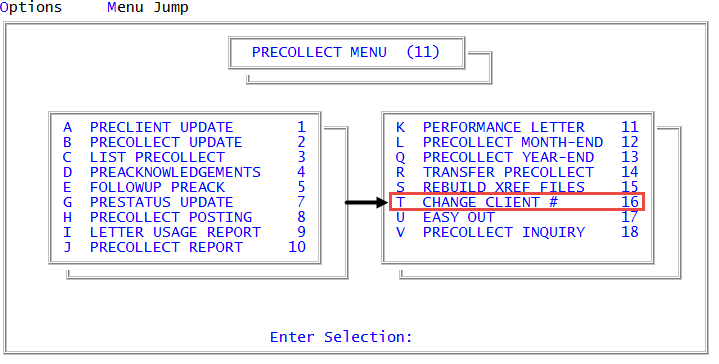
From the Master menu, navigate to Precollect > Change Client # (menu 11.16).
- In the Enter Precollect Number to Change window, type the precollect account number, and press Enter or click Ok.
- At the OK to Change? prompt, to continue, click Yes.
-
In the Enter New Preclient Number window, type the number of the client the account is being changed to, and press Enter or click Ok.
The system displays a message that the client number is changed for the account.
- In the Enter Precollect Number to Change window, do one of the following:
- To change the client for another account, type the precollect account number, and press Enter or click Ok.
- To exit, click Cancel.