Viewing the status of batches for precollect accounts
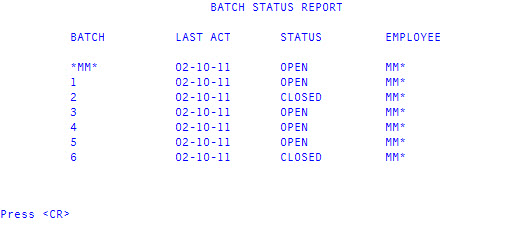
Use this option to view the status of all the batches on your system.
To view the status of a batch for precollect accounts:
-
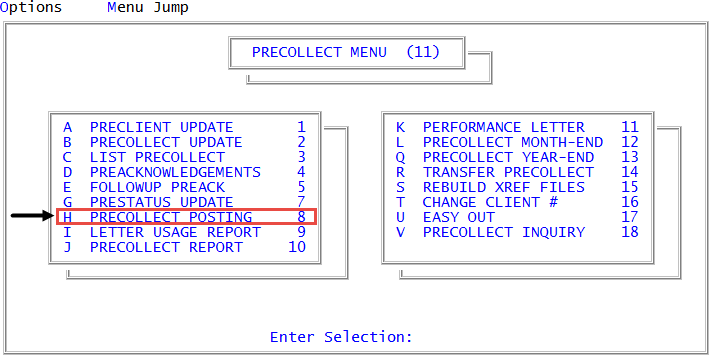
From the Master menu, navigate to
 Precollect > Precollect Posting (menu 11.8).
You can also access the precollect posting screen from Precollect > Precollect Update (menu 11.2).
-
In the Batch Number to Update window, select Batch Status Summary, and press Enter or click Ok.
A list of all the batches on the system, and their status, displays. The following is an example of the report.