Kill print jobs
Use this option to kill (cancel) print jobs that have been sent to the printer before they print. You can cancel any print job available on the print spooler.
- From the Master menu, select Correspondence > Output Destination (menu 2.7).
-
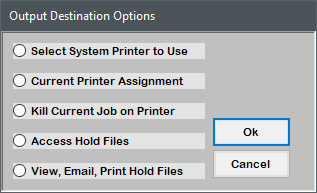
In the Output Destination Options window, select Kill Current Job on Printer, and press Enter or click Ok.
-
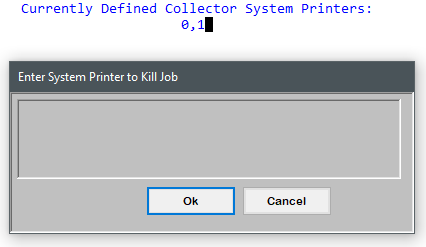
In the Enter System Printer to Kill Job window, type the printer number that contains the print job(s) you want to cancel, and press Enter or click Ok.
The top of the screen displays the currently defined system printers.
-
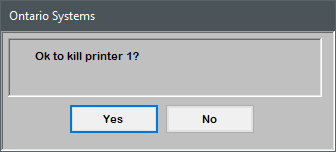
At the prompt, click Yes.