Clearing the check file
This option sets internal flags in the check file to prevent checks from being reprinted. Until this option is used, any check can be reprinted an unlimited number of times.
To clear the check file:
-
From the Master menu, navigate to Trust Activity > Checks (menu 4.11).
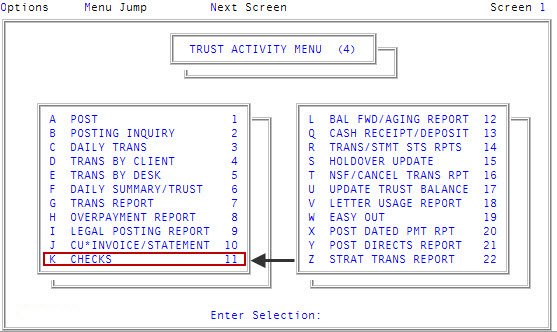
- In the Check Processing window, select Clear Check File, and press Enter or click Ok.
- In the Clear Check File window, select the file to zero out, and press Enter or click Ok.
- At the This routine will zero out all Client or Account check amounts. OK to continue? prompt, to continue, click Yes.