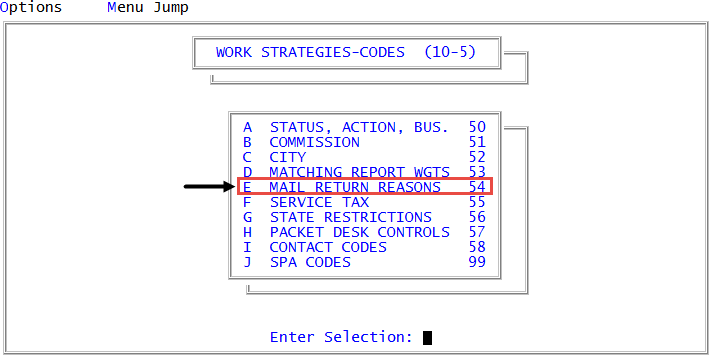
Menu 10.5.54 - Mail Return Reasons
You can mark accounts as Mail Return, but you can also create codes that describe why the mail from the account was returned. For example, the customer moved without leaving a forwarding address, the letter/notice was sent to the wrong address, or the mail was refused by the customer.
-
From the Master menu, navigate to
 Management Strategy > Codes > Mail Return Reasons (menu 10.5.54).
 -
In the Enter Number to Update (A) window, do one of the following:
Enter a new mail return reason
- Type A, and press Enter or click Ok.
- In the Enter Description window, type a description for the mail return, and press Enter or click Ok.
Edit or delete an existing mail return reason
- Type the number of the item to be changed from the Mail Return Description Update list, and press Enter or click Ok.
- In the Enter New Description or 'DEL" to Delete window, type the updated description, and press Enter or click Ok.
Delete a mail return reason
- Type the number of the description to be deleted, and press Enter or click Ok.
- In the Enter New Description or 'DEL" to Delete window, type DEL, and press Enter or click Ok.
- To exit the routine, click Cancel.