Printing a list of the current city codes
Use this routine when you need to print or view all the city codes on your system. Depending on the number of city codes your agency uses, this may be a very long list.
To print a list of the current city codes:
-
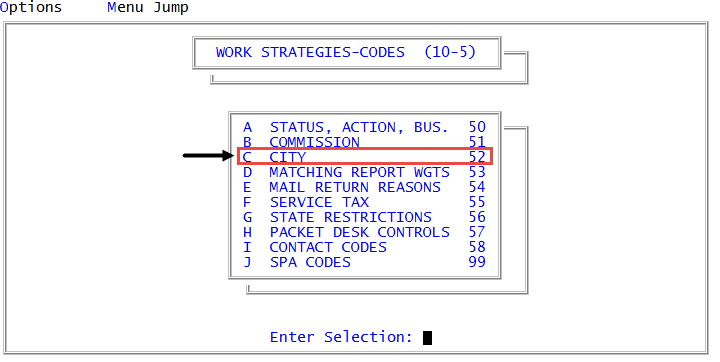
From the Master menu, navigate to
 Management Strategy > Codes > City (menu 10.5.52).
 - In the City Codes Update Routine, click List Current City Codes, and press Enter or click Ok.
-
At the Send information to printer? prompt, do one of the following:
Print the listing
Select Yes.
View the list of city codes on the screen
Select No.
- Press Enter to advance to the next page, / to go back one page, or Q to return to the City Codes Update window.