Menu 2.9 - Reactivation Notice
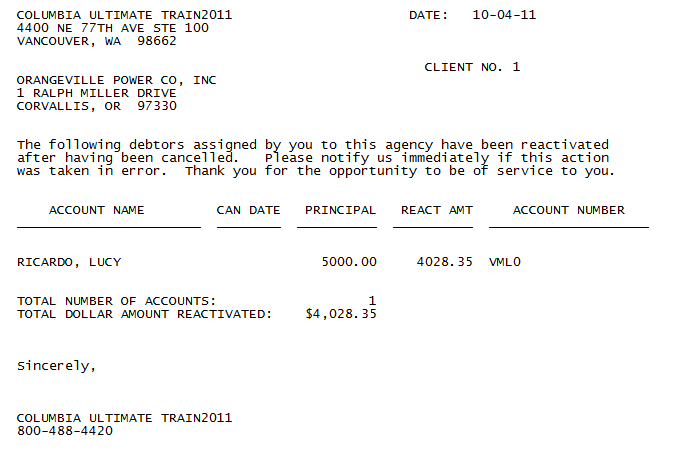
A reactivation notice is a letter sent to clients to inform them of accounts that were canceled, but have become active again. A reactivation notice can be sent at any time during the month, but you must generate it before you close Month-End because the file is cleared at Month-End. The Collector System prints reactivation notices, in order, by client, and you may print them until you close the Month-End.
Reactivation notice example
Print reactivation notices
Use this option to print a letter to your clients to inform them that canceled accounts have been reactivated for collections.
- From the Master menu, navigate to Correspondence > Reactivate Notice (menu 2.9).
- In the Enter Client Number(s)... window, do one of the following, and press Enter or click Ok.
- Type the client numbers, separating each with a semicolon.
- To include all clients, type ALL.
To use a Get-List or Select statement, type the statement.
For more information, see Working with Recall.
If you are in a preliminary Month-End, a prompt for the month in which to print reactivation notices displays.
-
At the Ok to print prompt, click Ok.
Selecting Accounts in Reactivation File displays.