Restricting employees from performing searches across different logons
You can prevent users from accessing the cross-logon inquiries feature for all logons or specific logons using the Logons to Inhibit Inquiry field in the User Login screen. This only applies to the new cross-logon method.
The instructions in this section assume that the user's login profile has already been created. To set up a new user login profile, see Create users or change user settings.
To restrict employees from performing searches across different logons:
- From the Master menu, navigate to Management Strategy > Agency > Passwords (menu 10.1.6).
- In the Enter Master Password window, type the master password for your agency, and press Enter or click Ok.
-
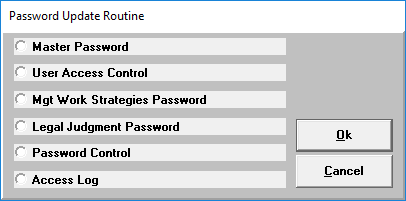
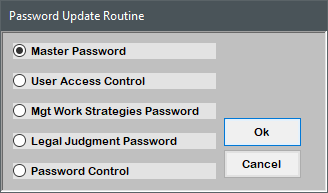
In the Password Update Routine window, select User Access Control, and press Enter or click Ok.
-
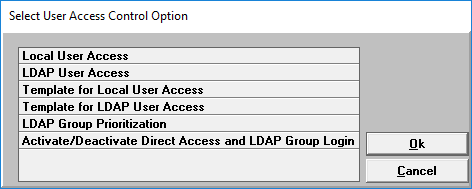
In the Select User Access Control Option window, select Local User Access, and press Enter or click Ok.
- In the Enter User Login window, do one of the following, and press Enter or click Ok:
- If you know the user login, type it.
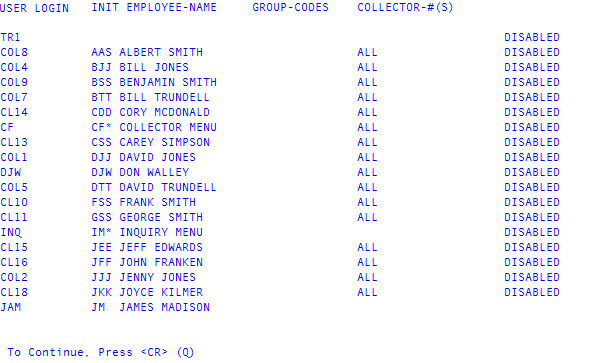
- To see a list of user logins, type ?.
In the list of user logins, find the user login by pressing Enter to navigate through the pages (if there is more than one page).
- To exit the list of user logins, do one of the following:
- Type Q, and press Enter to return to the Enter User Login (?) window.
- Press Enter until the Enter User Login (?) window displays.
- Type the user login in the Enter User Login (?) window, and press Enter or click Ok.
-
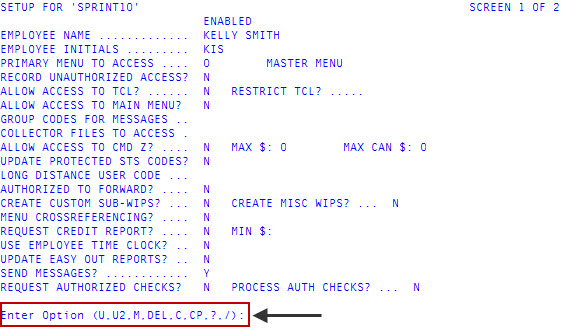
At the Enter Option prompt in the User Login screen, type U2 to access the second screen, and press Enter.
-
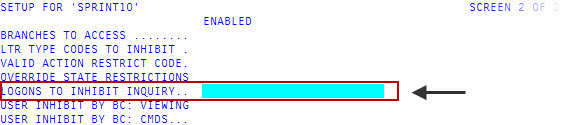
In the Logons To Inhibit Inquiry field, do one of the following, and press Enter:
- To prevent the user from running inquiries across specific logons, type each logon, separating each with a semicolon.
- To allow the user to run inquiries only on their current logon, type ALL or leave blank.
- To save your changes, in any field type #, and press Enter.