Viewing a list of available color schemes
Using and changing color schemes only works on "dumb" terminals, which are computers that are limited to text-only capabilities. If you use CU·Emulate, see your CU·Emulate manual to change screen colors.
To view a list of available color schemes:
-
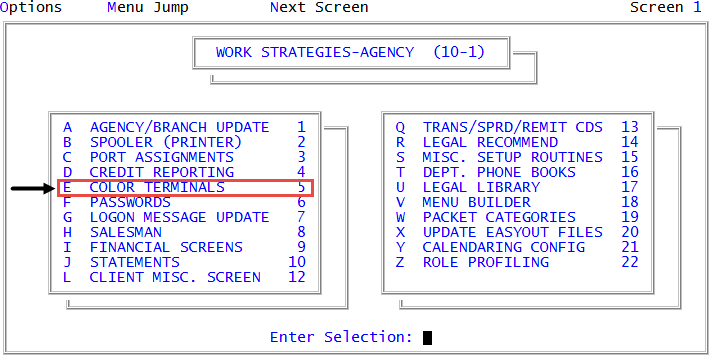
From the Master menu, navigate to
 Management Strategy > Agency > Color Terminals (menu 10.1.5).
 - In the Enter Port to Change window, type the port number to change, and press Enter or click Ok.
-
In the Color Terminal Options window, select List Existing Color Schemes, and press Enter or click Ok.
A list of all available color schemes displays. To change your current color scheme, see Changing your color scheme.