Running payment history inquiries
Use this option to search for payments for an account.
You cannot add or edit payment information from the Inquiry option.
To run a payment history inquiry:
-
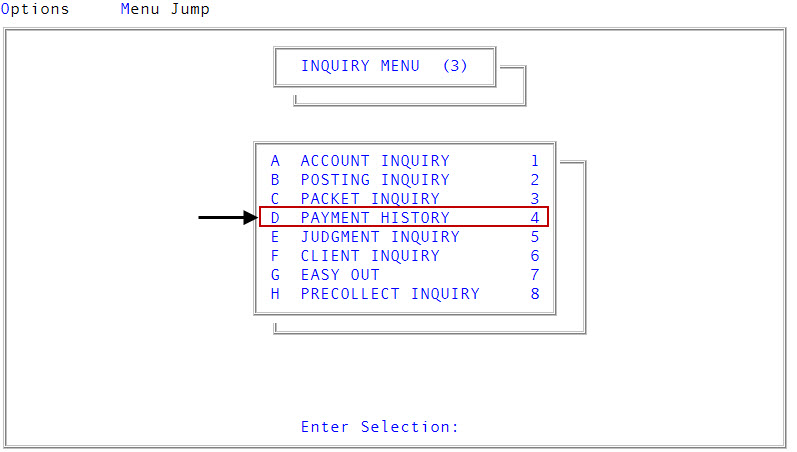
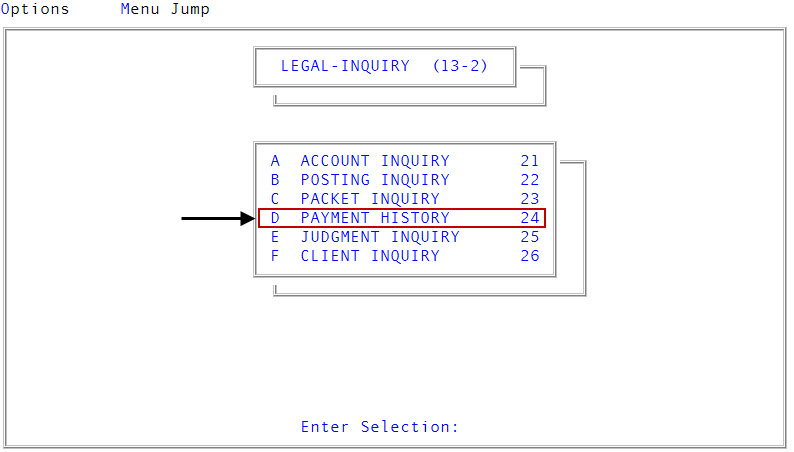
Access the Payment History option from any of the following menus:
 Inquiry menu
From the Master menu, navigate to
Inquiry > Payment History (menu 3.4).Legal menu
From the Master menu, navigate to
Legal > Inquiry > Payment History (menu 13.2.24). -
In the Enter Account # window, type the account number to view the payment history, and press Enter or click Ok.
You may see an alert that a record is locked. This indicates that another user has the account open. The system displays a prompt with the user's initials. For a full list of the commands available at this prompt, see Working with the Enter Account # prompt.
-
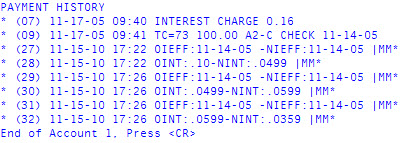
At the End of Account number, press <CR> prompt in the Payment History screen, press Enter to return to the Enter Account # window.