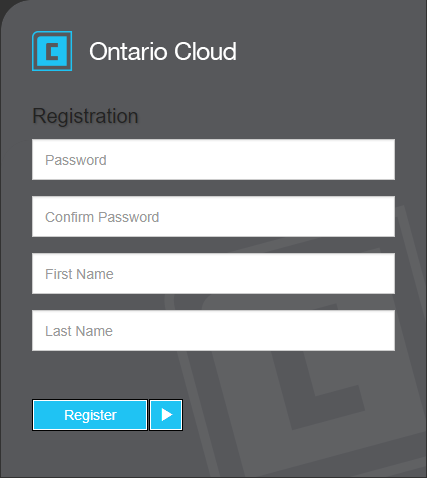
Register services
If your agency uses the Payment Service without email registration, individual users can use this option to self-register their payment service user once an administrator has completed the setup in Associated user setup. This menu option also contains a Forgot Password link.
To register services
-
From any menu, press O (the letter), and then press R.
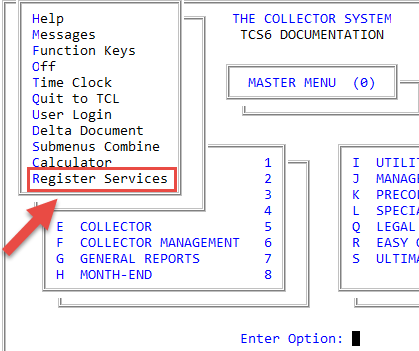
- In the Register Cloud Services window, select Payment Service, and press Enter or click Ok.
- In the Cloud Services window, select Register username, and press Enter or click Ok.
- If you're using Cu*Emulate, a web browser automatically opens and navigates to the registration page; otherwise, copy the hyperlink, paste it into a web browser, and navigate to the registration page.
-
Fill in the registration page data, and click Register.